
How to Fix Laptop Overheating and Stop Thermal Throttling While Gaming
Is your gaming laptop dropping frames after 20 minutes? How to clean dust, replace degraded thermal paste with PTM7950, and undervolt CPUs safely.

Daniyal Ahmed
Gaming & Hardware Analyst
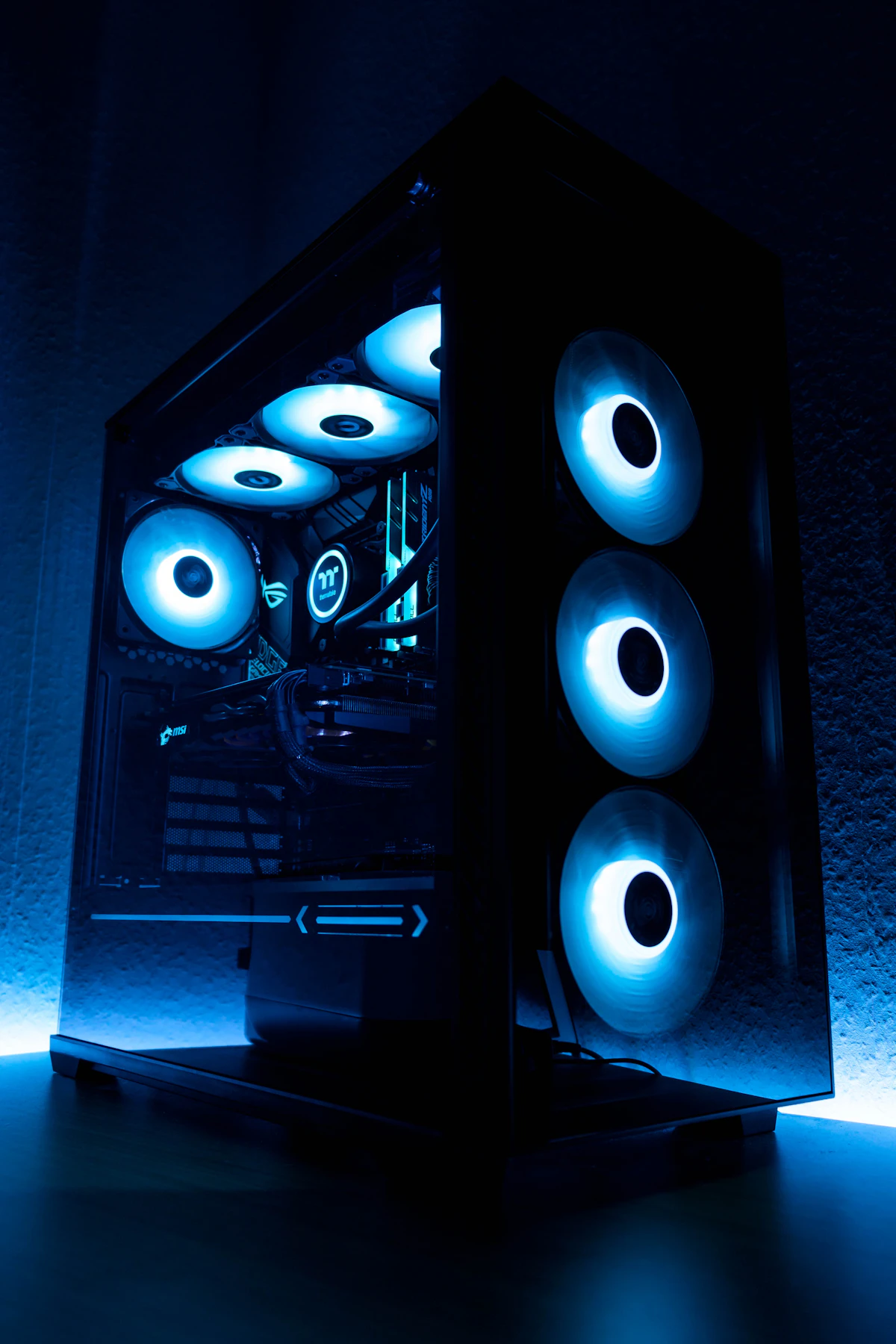
Understanding Thermal Throttling
When CPU and GPU core temperatures reach 95°C or 100°C, the processor downclocks its clock speeds drastically to prevent hardware damage, resulting in severe in-game stuttering.
Practical Cooling Steps
Elevate the laptop rear by one inch for airflow, blow compressed air through fan exhaust fins every six months, and consider Honeywell PTM7950 phase-change thermal pads for permanent cooling improvements.
Ready to upgrade your digital setup?
Shop ChatGPT Plus, Canva Pro, Netflix 4K, and Windows 11 keys with instant activation and 100% money-back warranty on AYIDIN.
More from the Blog
View all articles →
Is ChatGPT Plus Worth It in 2026? Features, GPT-4o, and Real Value
A complete breakdown of whether paying for ChatGPT Plus is actually worth $20/month. We compare GPT-4o, o-series reasoning, DALL-E, and browsing against the free plan.

Claude 3.5 Sonnet vs GPT-4o: Which AI Writes Better Code in 2026?
An empirical coding benchmark between Anthropic's Claude 3.5 Sonnet and OpenAI's GPT-4o across TypeScript, Python, debugging, and system architecture.

Cursor AI vs GitHub Copilot: The Ultimate 2026 AI Code Editor Showdown
Should you stick with VS Code + GitHub Copilot or switch entirely to Cursor AI? We evaluate codebase indexing, multi-file edits, and developer workflow speed.